since 2023
My home server
An office PC that’s always on in a corner of the house: my files, photos, films, home automation and a small AI model that never leaves the house.
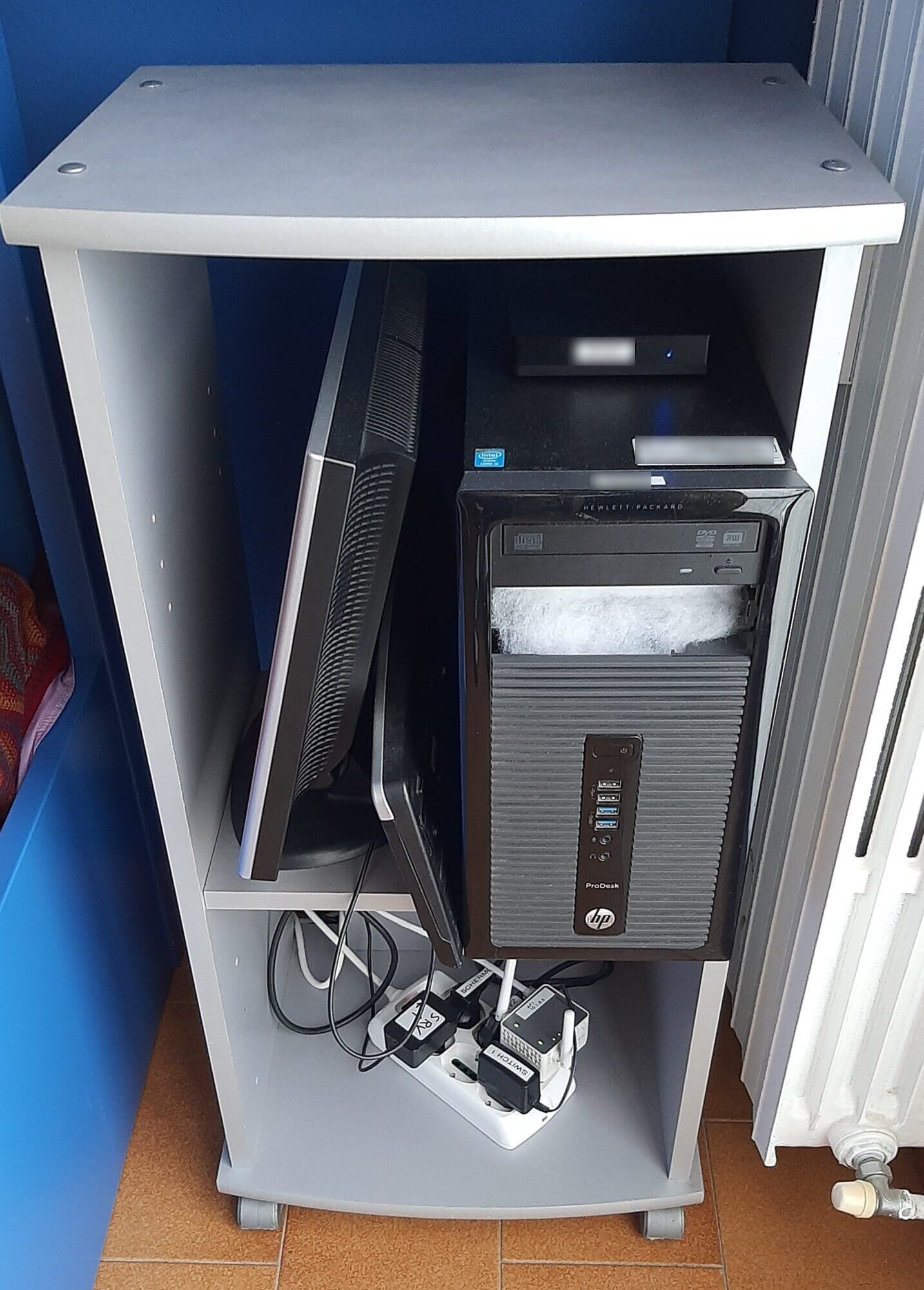
I wanted a home server to break free from the cloud and from subscriptions: my files, photos and films live in my own house, not on a service I pay for every month and that can change the rules whenever it likes.
The first server was an HP office PC, in a grey cupboard next to a radiator, with a screen and a keyboard to use the console. Today the machine is a different one, but the idea is the same: an old office PC with an Intel i5 processor and 16 GB of memory, always on.
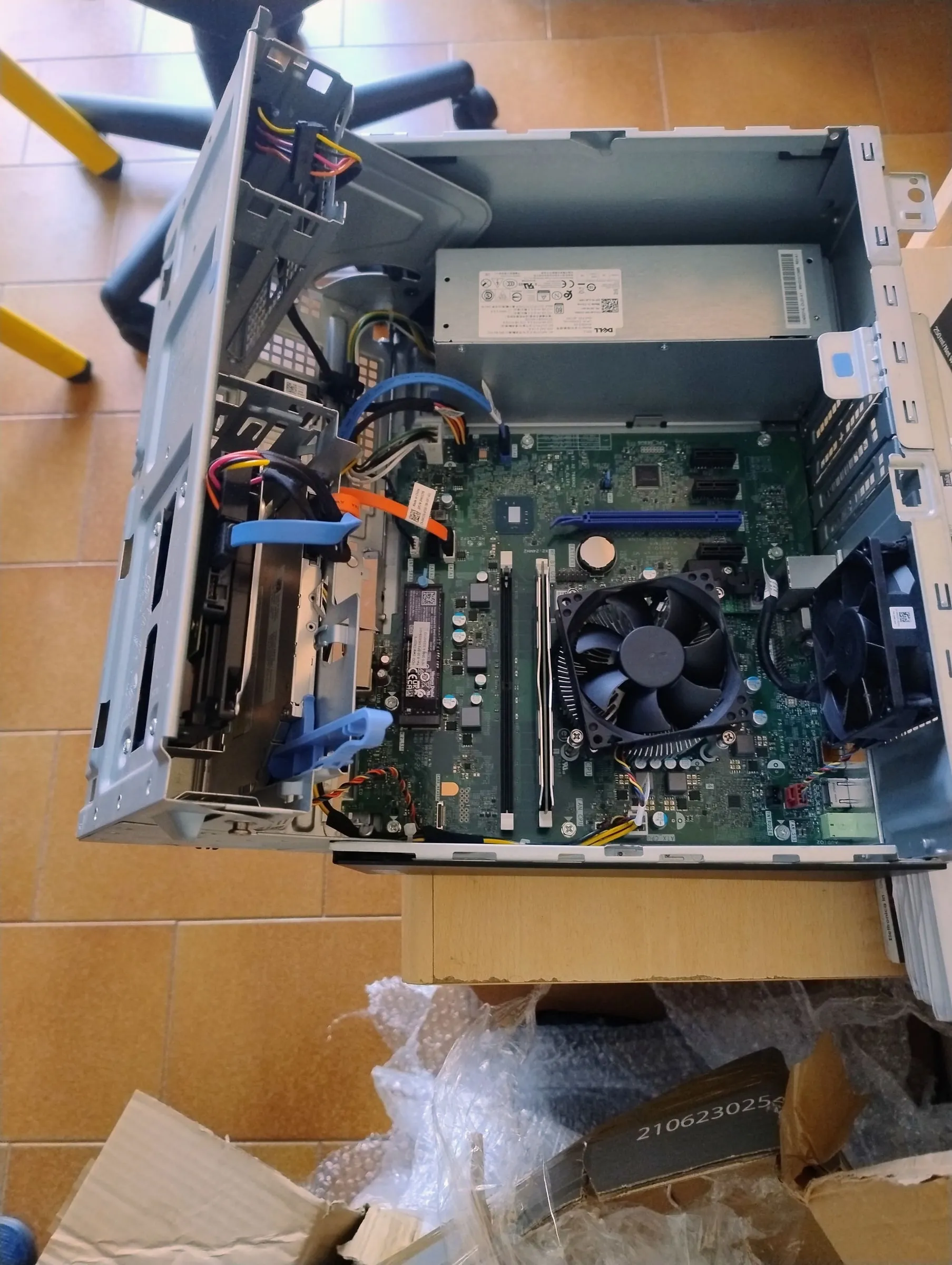 Today’s PC, opened up to set it up, April 2026.
It’s a Dell OptiPlex, and inside there is a home-made detail: to fit one more 2.5-inch disk I 3D-printed an adapter made specifically for this model.
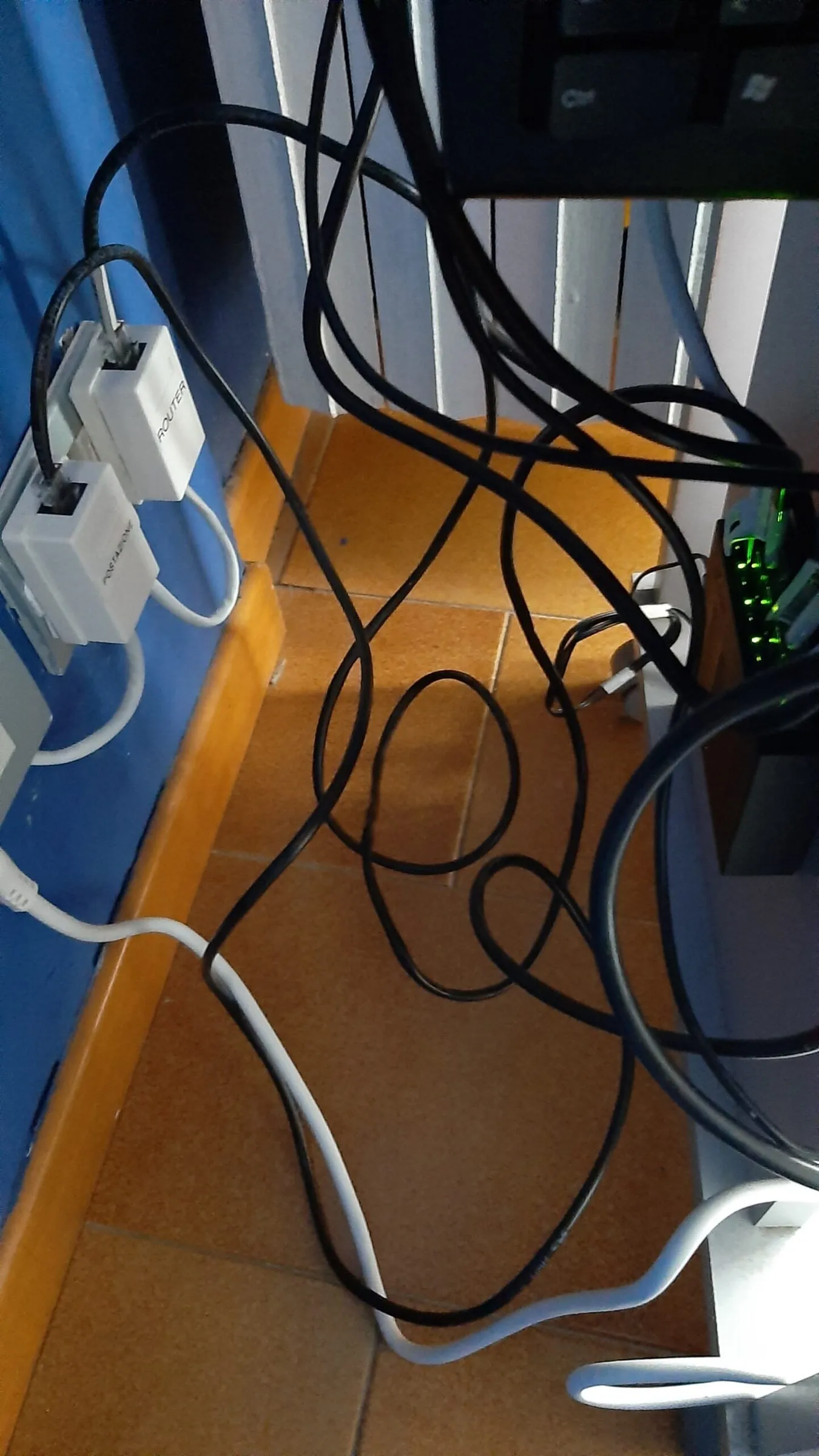 The back of the first cupboard: network cables and sockets.
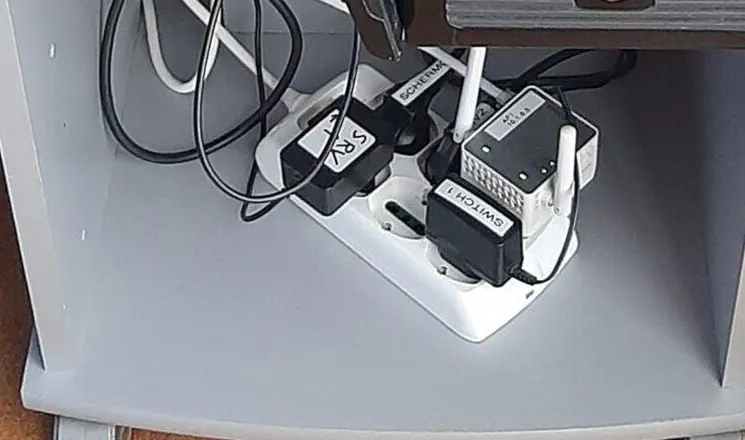 The power strip at the bottom: every adapter has a label, so I know what to unplug.
What runs on it
Everything lives in its own DockerA way of running each program in an isolated box with everything it needs: it can be installed, moved and removed without messing up the rest of the computer. container, and I have a start page with all the buttons, made with a program called Homer. At home there are, among others:
- Seafile, where I keep my files and synchronised folders, and Syncthing, to keep them aligned between my computers;
- PhotoPrism, for photos, which sort and search themselves;
- Jellyfin, for films and music, like a streaming platform but entirely mine, with Seerr to ask for what to add and Tube Archivist to keep the YouTube videos I care about;
- Home Assistant, for the home automation;
- Scrutiny, which checks the health of the disks, and Portainer and Nginx Proxy Manager, to manage the rest.
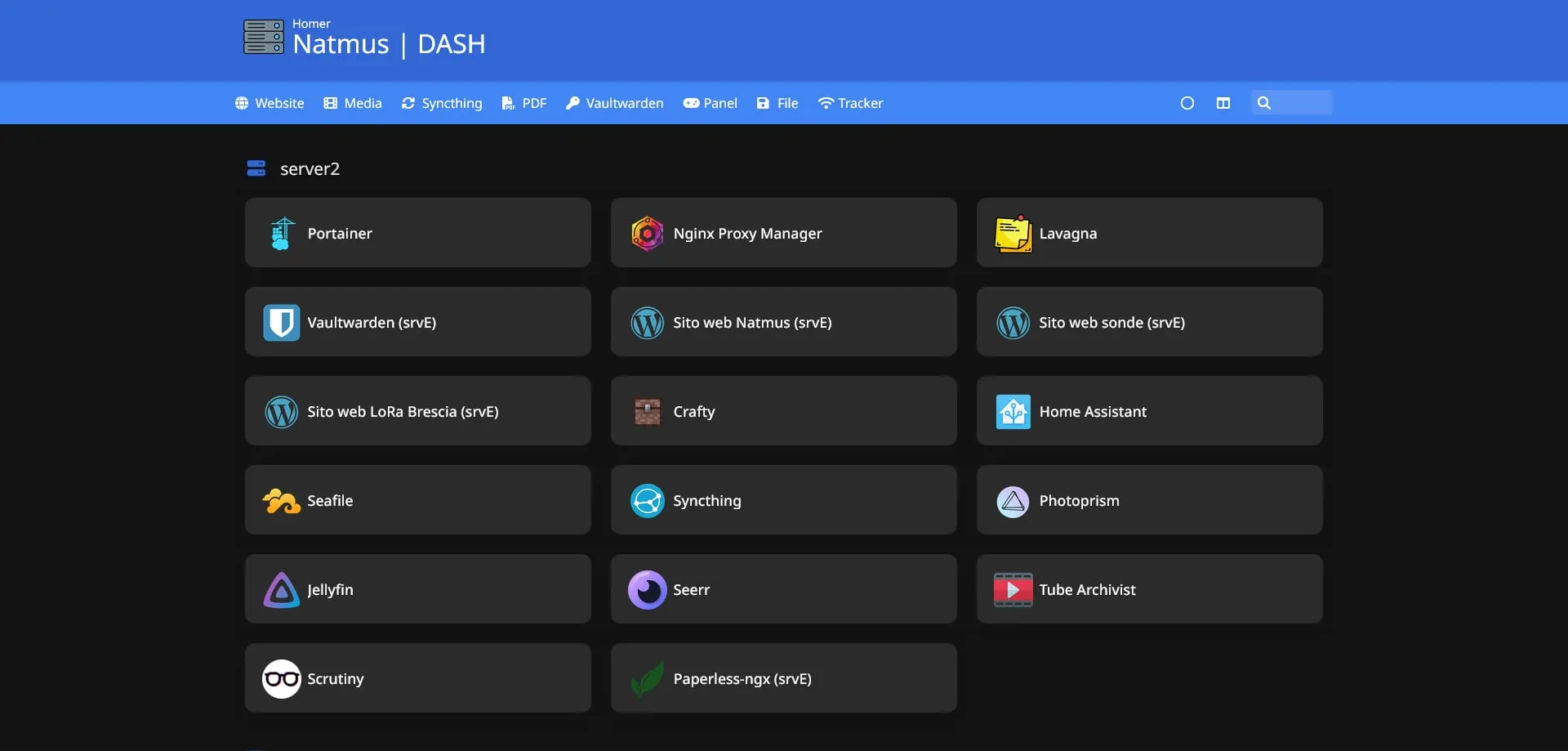 The start page today. The entries marked “srvE” live on the rented server.
What stayed and what moved
Since I also use a rented server, the home server has remained for backups and for some services. What has to stay always on and reachable, that is the websites, my digital keyring for logins (Vaultwarden) and Paperless-ngx for scanned documents, I moved there.
Every Sunday night a backup program, restic, copies the important data to a different disk from the server’s own, keeping several copies over time, so I can go back even a few weeks. If the backup fails, I get a message on Telegram.
I don’t let anyone in from outside: to reach the services I go through a private VPNAn encrypted tunnel between two networks: from outside it feels like I’m connected to my home router, and nobody outside can see what passes through., the same one that links home to the rented server.
A bit of artificial intelligence too
On 26 October 2026 I also ran a language modelThe kind of program behind chatbots: it has read a huge amount of text and can continue, summarise and classify a text., Gemma, directly on the processor: the PC has no suitable graphics card. It writes slowly, but it does what I need, which is classifying and cleaning up texts, and no text leaves the house. I measured that the limit is the memory: there is only one stick, and adding a second one should help a lot.
What I learned
That a personal service doesn’t need a new machine: an old office PC is more than enough. That the hard part is keeping everything updated and backed up, not getting it started. And that having my own files, photos and films at home gives me a freedom I wouldn’t have with a subscription service.