June 2026
The air conditioner I switch on from my phone
A portable air conditioner without a timer, an infrared remote to copy and a small six-euro gadget: I switch it on from my phone ten minutes before I get home, and the room is already cool.
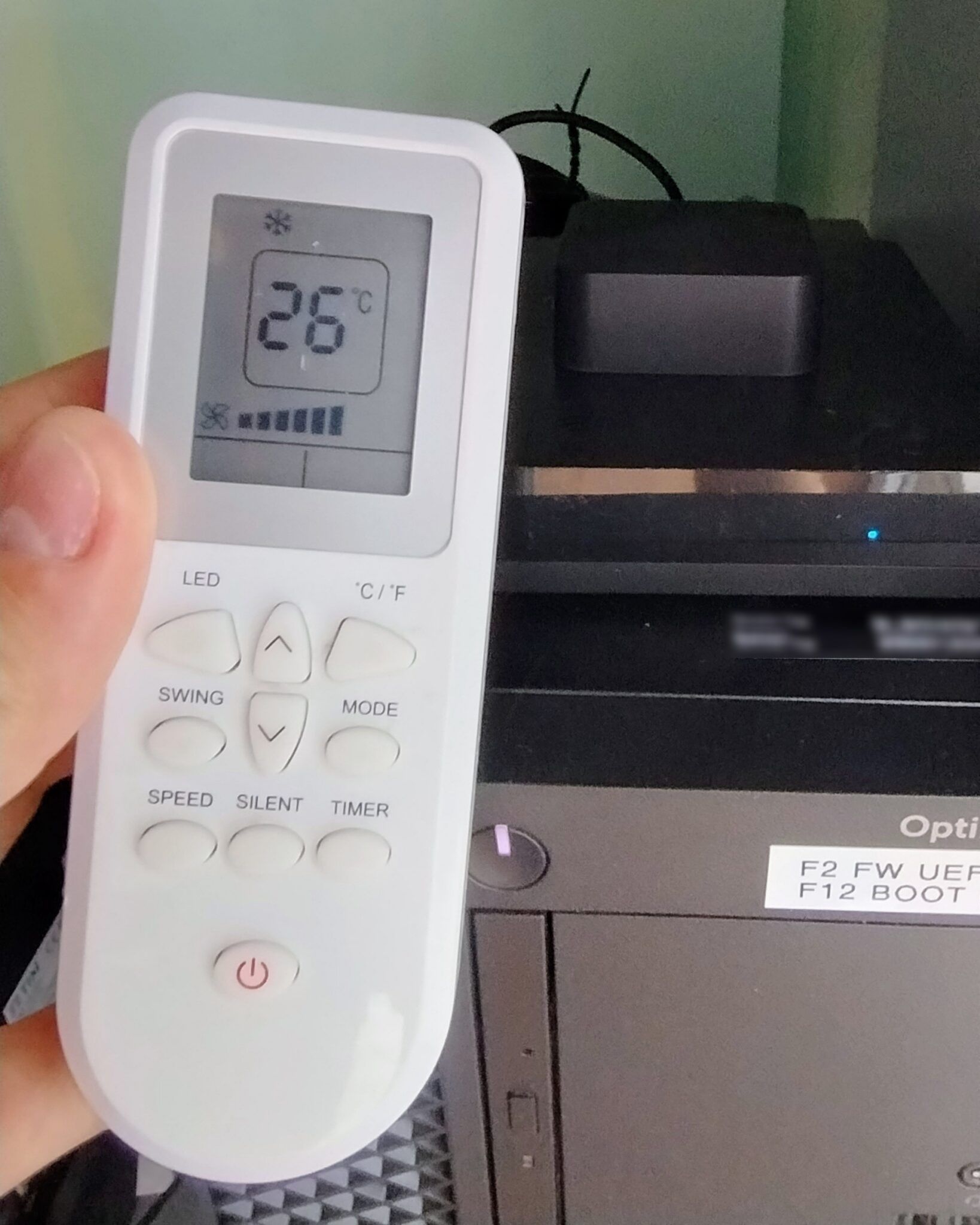
In summer the heat in the city is by now unbearable, and an air conditioner is a must. I live in an apartment block, and a classic heat pump, with an outdoor and an indoor unit, costs a lot and needs a balcony close to the room. So I settled for a portable air conditioner, the kind everyone calls a “penguin”: the wall of my room already has a ventilation hole of just the right size for the hot-air hose.
I knew the penguin’s faults: it is noisy, it takes up space and it has to blow the hot air out, and the air going out pulls other air in through the gaps, which takes away some of the effect. I got used to all that quickly. But not to one thing: there is no way to schedule it, and coming home I would find the room still hot.
I needed a way to switchA box with lots of network sockets: it links wired devices together, like a power strip for network cables. it on from afar, ten minutes before I got in.
The ideas I dropped
My first idea was to pretend to be a finger: the power button is a touch sensor, and I could have stuck a piece of copper tape on it, wired to an ESP32A small electronic board with WiFi and Bluetooth, a few euros, that you program to make objects do things. through a part that keeps the two circuits electrically apart. But I didn’t like it, and there was a bigger problem: the button only switches on. I couldn’t choose the temperature, the mode or the fan speed, and the penguin would restart with whatever settings it had last time.
That left the other way, the remote’s way: infraredThe invisible light remotes use: a very fast flicker that the television or air conditioner reads as a command..
A remote that says everything, every time
An air-conditioner remote doesn’t just send “I pressed on”. At every key it sends a packet with the whole state: on, mode, temperature, fan, timer. That way the remote and the air conditioner always stay in step. A television remote, instead, sends bare commands: volume up, volume down.
For me that’s good news: if I record a single packet, say “on, cooling, 26 degrees, fan at maximum”, and send it back exactly as it was, the machine does exactly that. I don’t need to understand the protocol and rebuild every code: I just copy the one packet I need.
The six-euro gadget
To repeat the commands I bought a Tuya “Smart IR”, model S06, which costs about six euros. I chose the WiFi version because I had no ZigbeeA way of linking smart-home objects by radio: they need very little power and a hub that gathers them. gatewayThe bridge between the radio network and the internet: it receives messages by radio and sends them to a server, and back.. It was a bit of a hasty choice, and there are probably models that are easier to integrate, but at that price you can try.
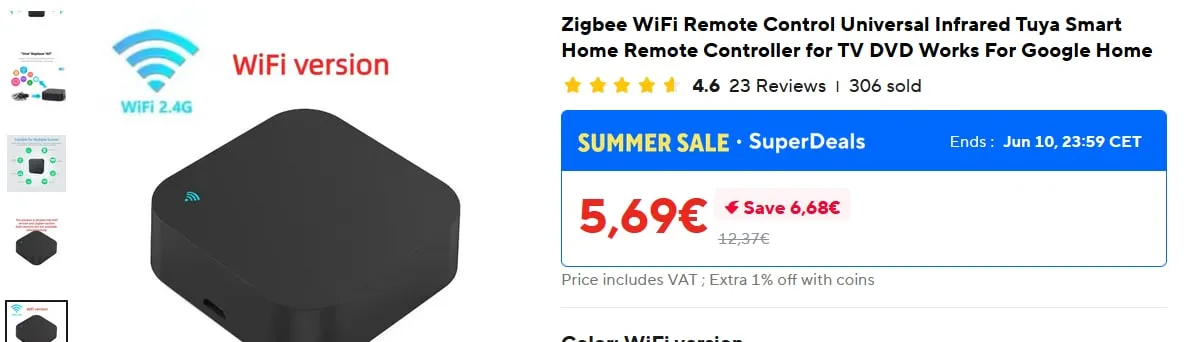 The Smart IR on sale, June 2026.
Pairing it with the Smart Life app was very easy, and right away I could record a command from the remote and play it back to see if it worked. It did. But I didn’t like going through the app’s servers and keeping yet another application on my phone: I wanted to control it from Home AssistantA free program that brings all the smart things in a home (lights, plugs, sensors, remotes) into a single app, even without going through their online services., the program I use for my home automation.
Inside Home Assistant
This is the part that gave me the most headaches, but in the end I made it. You still need an account in the Smart Life app to pair the gadget; once done, you can remove the app from the phone. Then:
- with HACS, a sort of store of add-ons for Home Assistant, I installed the Tuya Local integration, which talks to the gadget directly over the home network;
- I added the Smart IR from the settings, following the project’s guide;
- from the developer tools I ran the “learn remote command” action and named the command:
on_26, meaning switch on at 26 degrees. I brought the remote close and pressed the power key, after setting on the remote the settings I wanted. The button turned into a green tick: recorded; - I did the same with an
offcommand for switching off.
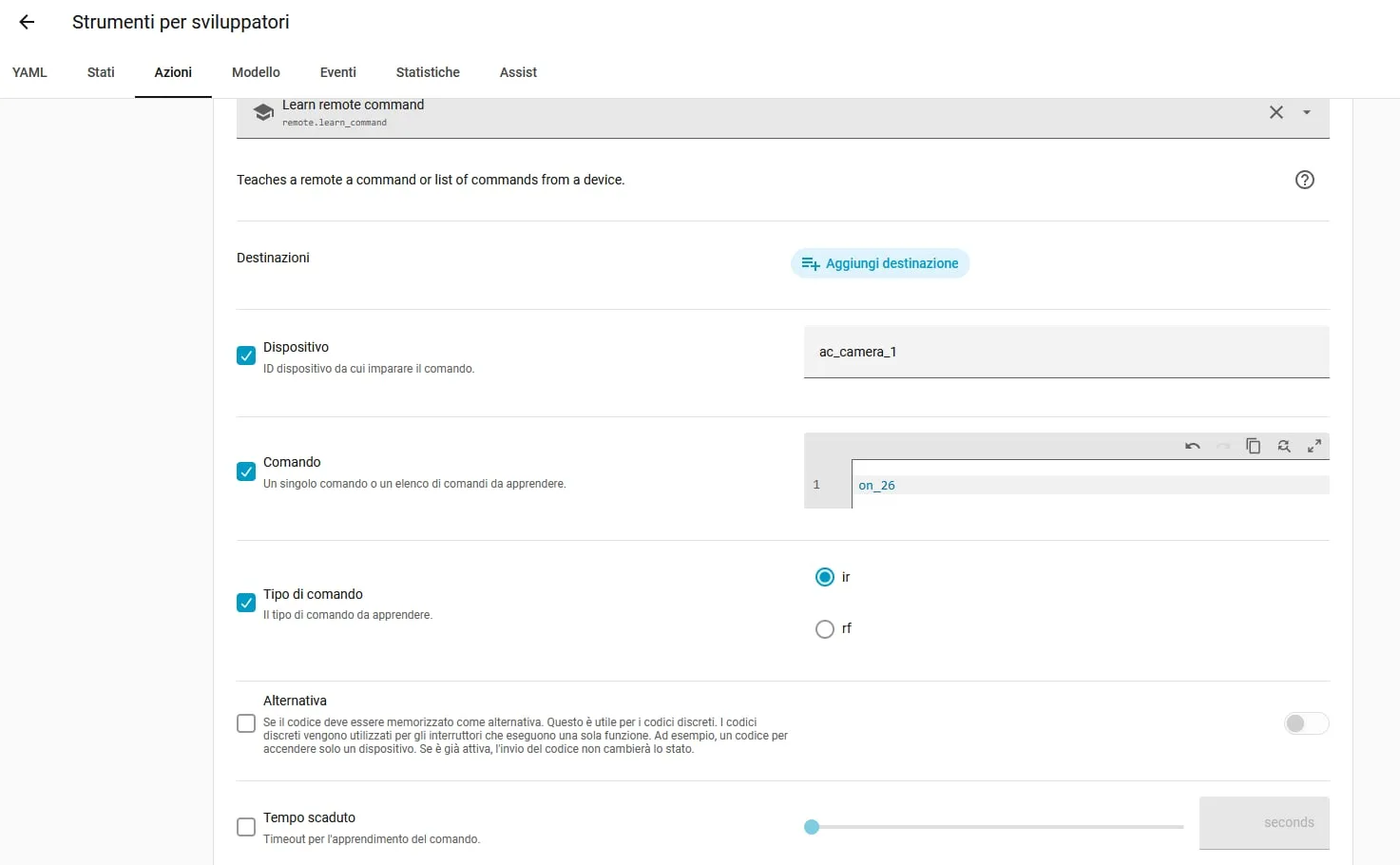 Teaching it the on_26 command.
To control it I added two buttons to the dashboard, one to switch on and one to switch off: when I touch them they send the recorded command to the gadget.
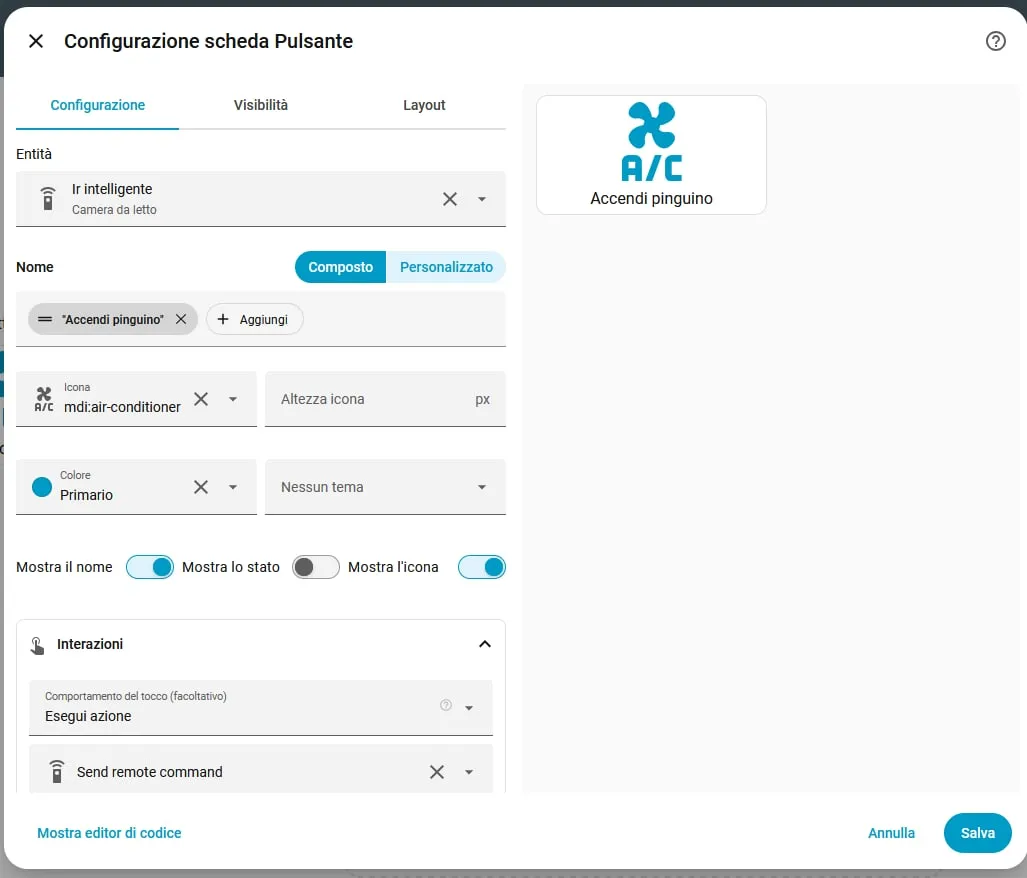 The “Accendi pinguino” button (“Switch on the penguin”).
How it ended up
Now one tap on the app is enough and the penguin starts with the right settings, without my being at home. I use it a lot in summer, on my way back home, or when I’ve left and realise I’ve left the penguin on.
One day I’d like to reprogram the gadget with a firmwareThe program that runs inside an electronic device and tells it what to do. of my own, such as ESPHome’s, so as not to go through Tuya’s system any more and control it entirely locally.
What I learned
That before building something it pays to understand how the thing I want to control speaks: knowing that a remote sends the whole state at every press made the project much simpler than it looked. And that a six-euro gadget and an evening of trying are enough to stop coming home to a hot room.